
Voximus Compose
Write, record and mix in one project window, with the note and score editors below.
It's free forever. You get all five Voximus DAWs in one download.
Get Voximus free
The download starts now. We email you the link too. No email? Download here
Voximus runs on computers. We'll email you the link.
What you can do in Voximus Compose
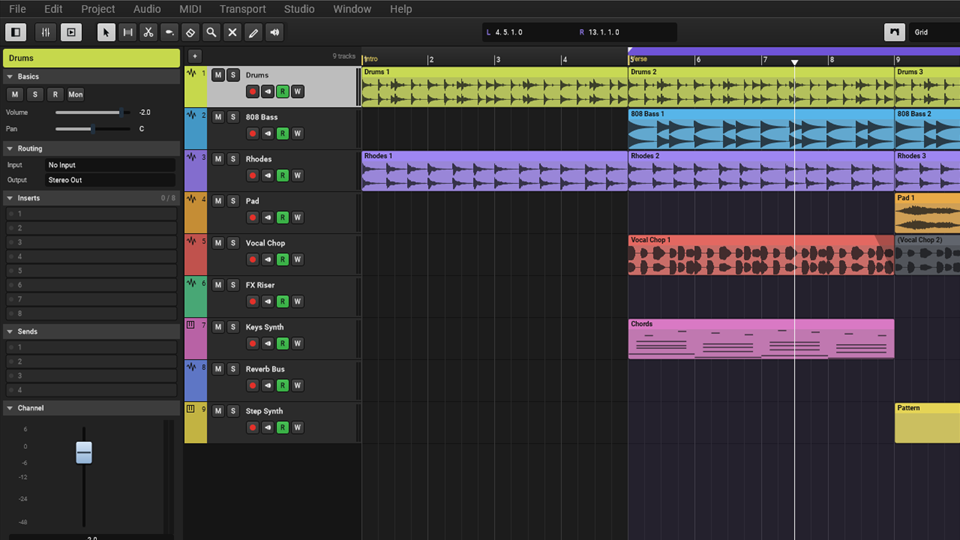
Everything in one project window
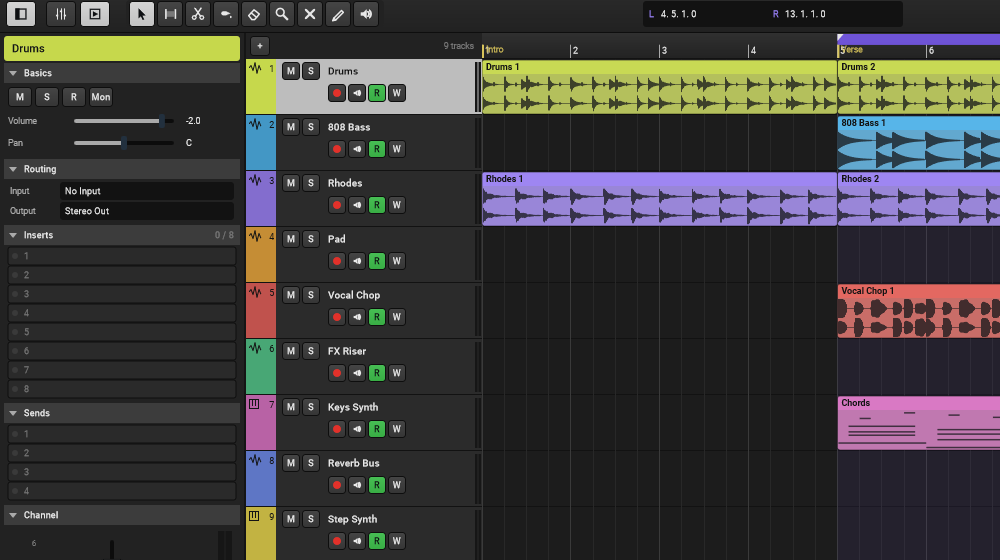
Tracks are in the middle. The Inspector on the left shows the selected track’s settings, effects and sends. The editors and the mixer open in the panel at the bottom.
- Snap to the grid, to events or with shuffle
- Edit audio in the sample editor: normalise, fade, reverse, time stretch and pitch shift
Edit notes
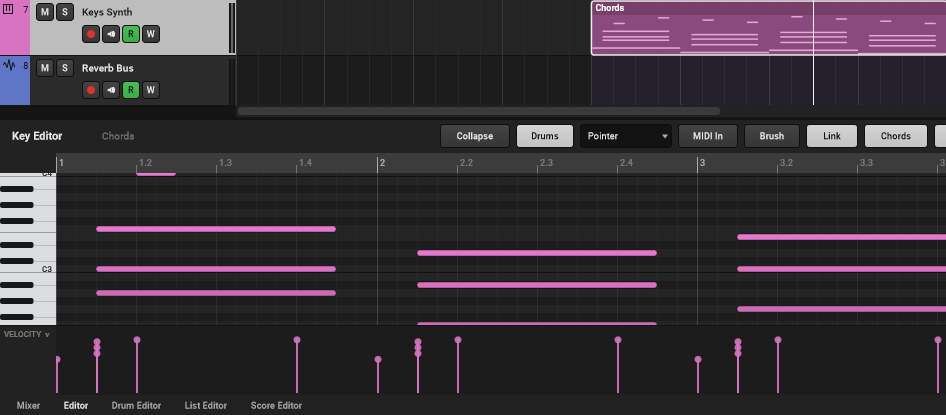
Draw, move and resize notes in the key editor. Change velocity and controllers in lanes under the notes.
- Quantize, transpose and fix note lengths
- A drum editor and a list of every event
Write and print scores
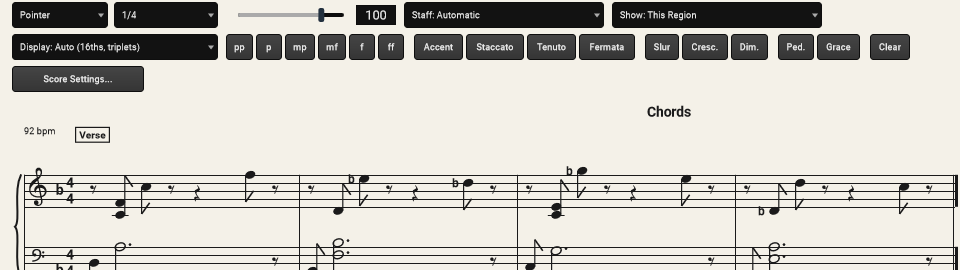
The score editor shows your parts as sheet music. Add dynamics, articulations and lyrics, then print to PDF or export MusicXML.
Mix
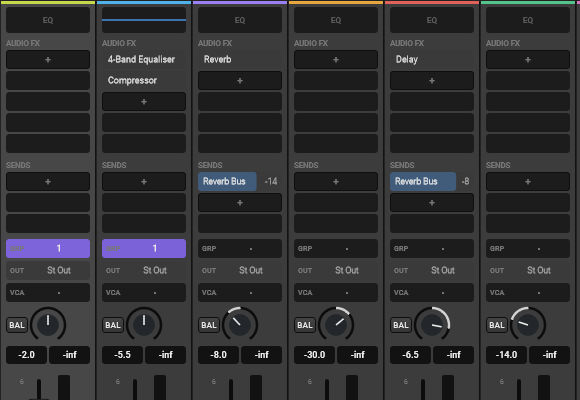
Each channel has effects, sends and groups. Use VCA faders, side-chain, and copy settings from one channel to another.
Instruments, effects and Premium
Voximus Compose comes with its own instruments and effects. Voximus Free also has 50 more free plugins.
Premium costs $29 a year. It adds unlimited AI loops and one-shots, plus 200 premium plugins, with new ones every week. See pricing
With Premium, you make AI loops and one-shots in Voximus Studio. All five DAWs open the same projects, so you can use them here too.
The other four DAWs
They come in the same download. All five open the same projects, so you can move a song from one to another.
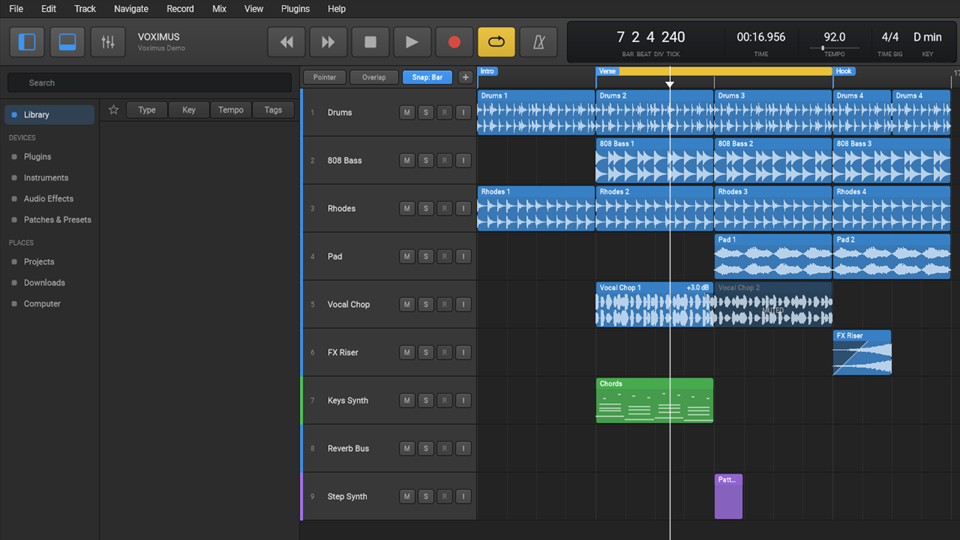
Voximus Studio
Make songs with loops, instruments and audio, then mix them, all in one window.
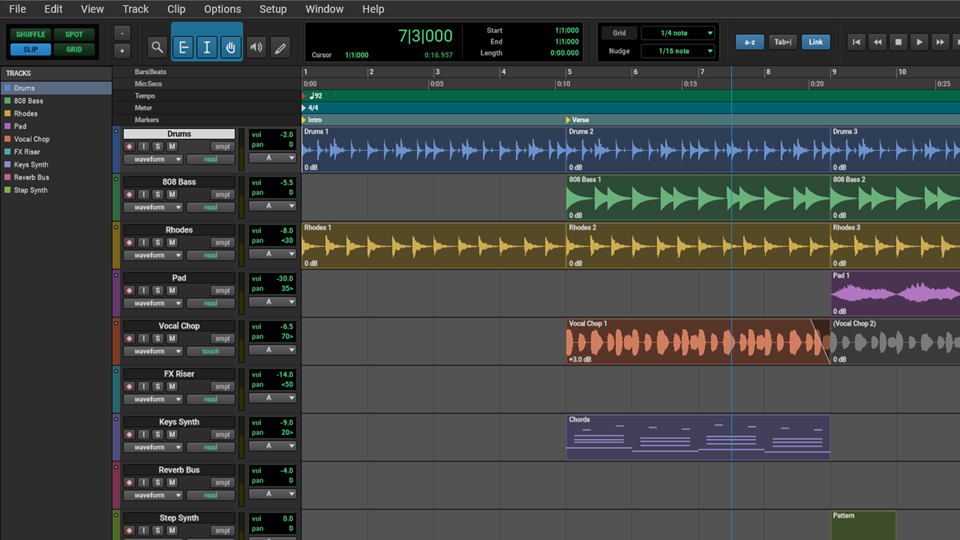
Voximus Track
Record and edit audio in the Edit window, then mix it in the Mix window.
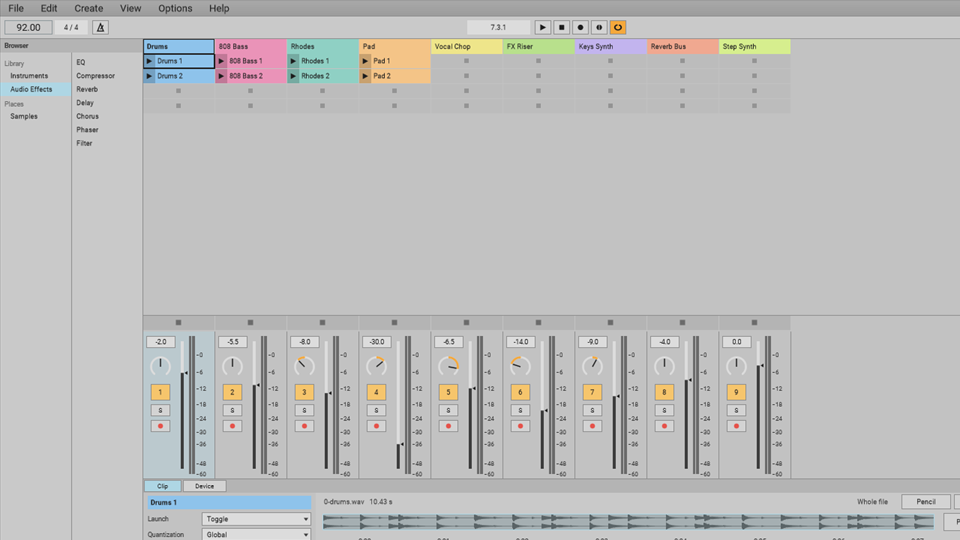
Voximus Session
Launch clips and scenes to try ideas and play live, then build the song on a timeline.
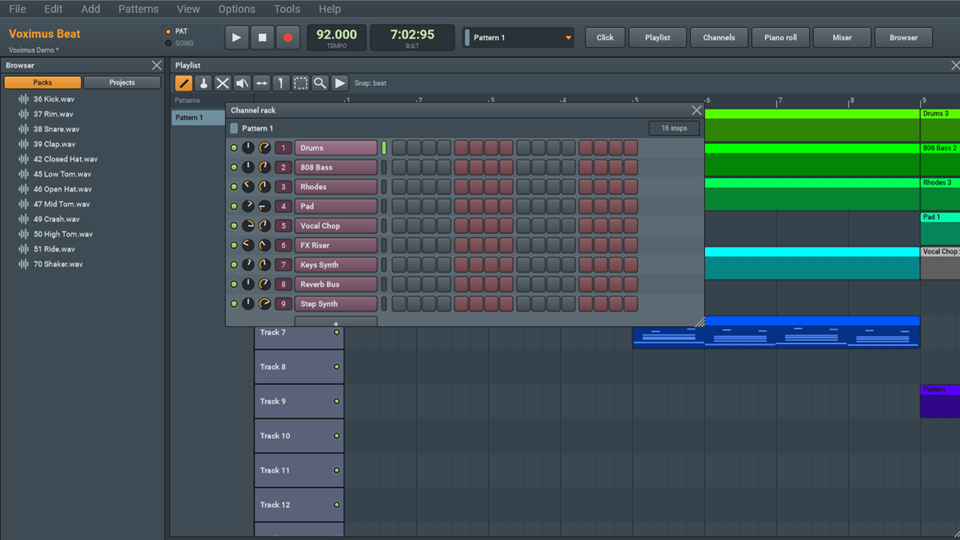
Voximus Beat
Make a beat in patterns, then paint the patterns into your song.