
Voximus Track
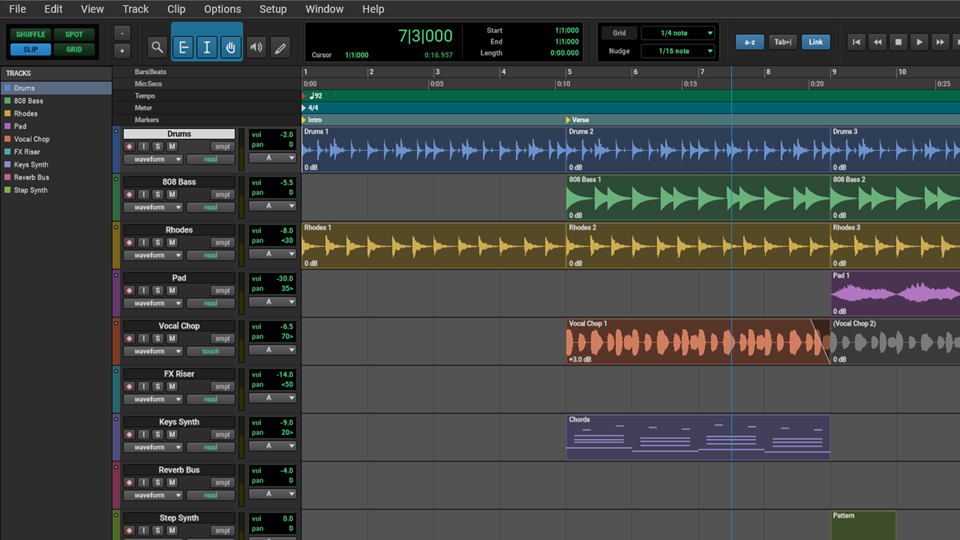
Record and edit audio in the Edit window, then mix it in the Mix window.
It's free forever. You get all five Voximus DAWs in one download.
Get Voximus free
The download starts now. We email you the link too. No email? Download here
Voximus runs on computers. We'll email you the link.
What you can do in Voximus Track
Record
Arm one or more tracks and press Record. Turn on the click and a count-off before you start.
- Keep several takes on one track and switch between them
- Hear your input while you record
- Choose the input for each track
Edit clips
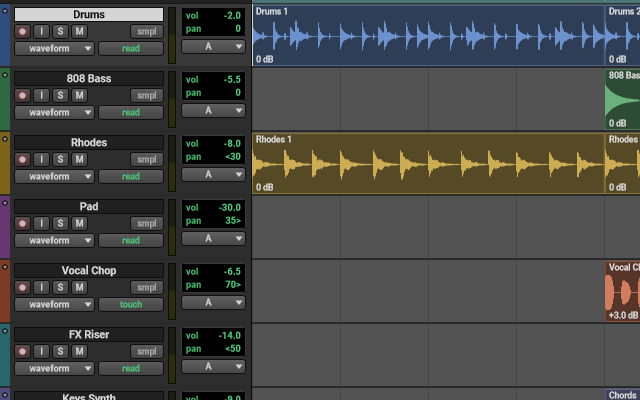
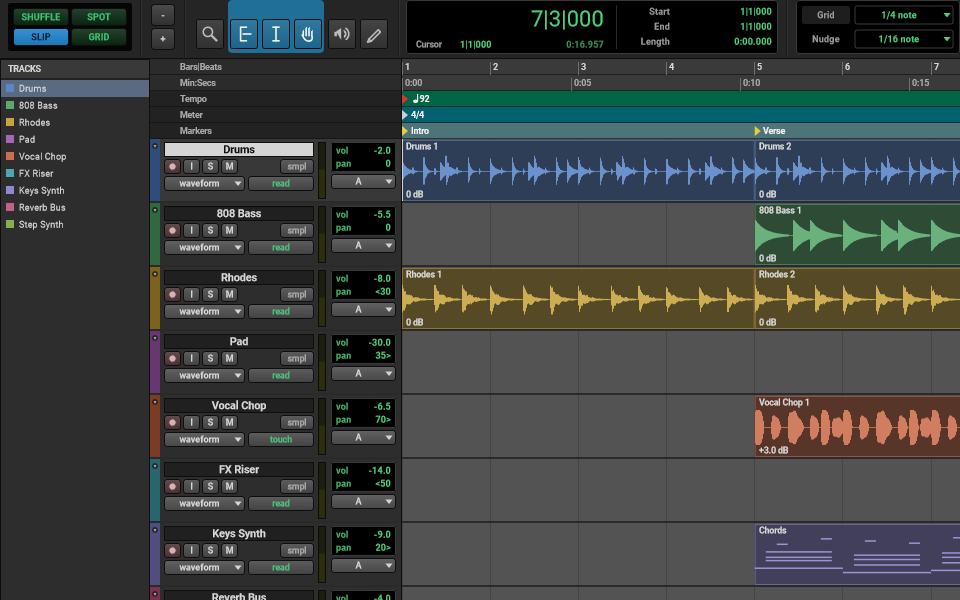
One tool trims, selects or moves a clip, depending on where you point. Pick how clips move: Shuffle closes the gaps, Slip moves them freely, and Grid snaps them to the beat.
- Draw fades right on the clip
- Change a clip’s volume
- Split, join, copy, repeat and trim clips
Mix
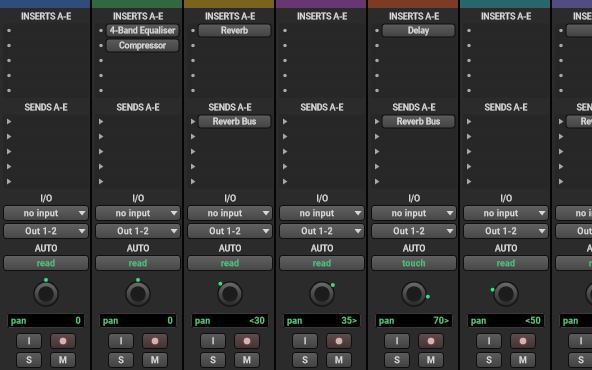
The Mix window has a channel strip for every track. Each strip has 10 effect slots, 10 sends to buses, input and output, pan and a fader with a meter.
Instruments, effects and Premium
Voximus Track comes with its own effects. Voximus Free also has 50 more free plugins.
Premium costs $29 a year. It adds unlimited AI loops and one-shots, plus 200 premium plugins, with new ones every week. See pricing
With Premium, you make AI loops and one-shots in Voximus Studio. All five DAWs open the same projects, so you can use them here too.
The other four DAWs
They come in the same download. All five open the same projects, so you can move a song from one to another.
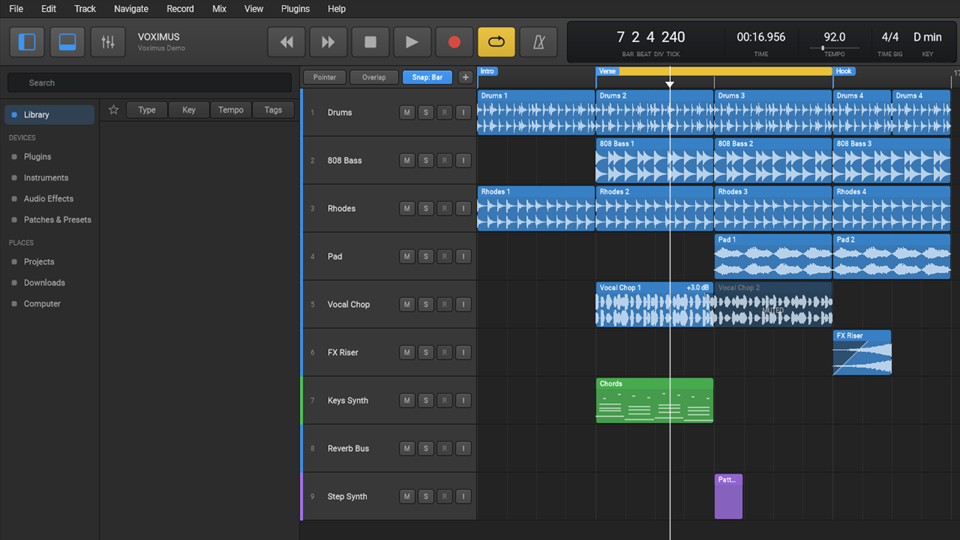
Voximus Studio
Make songs with loops, instruments and audio, then mix them, all in one window.
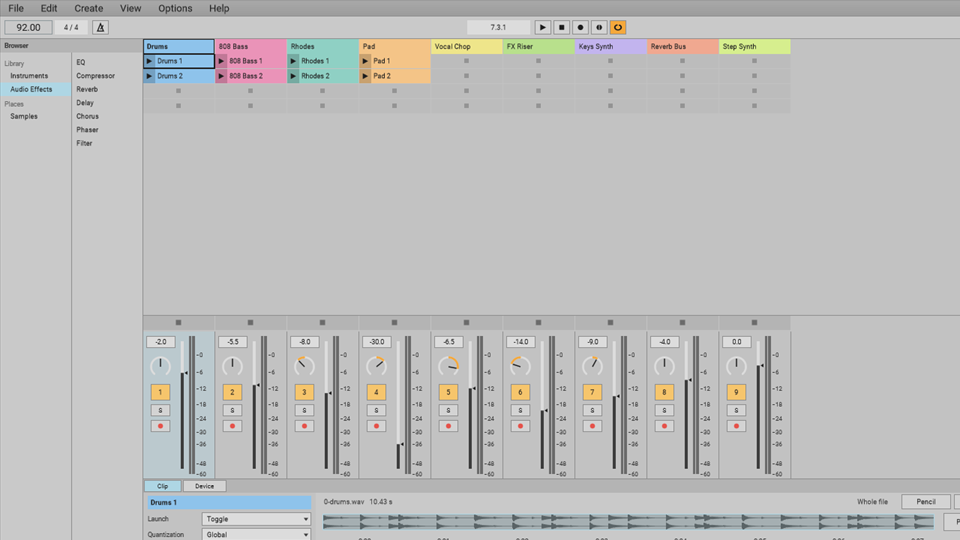
Voximus Session
Launch clips and scenes to try ideas and play live, then build the song on a timeline.
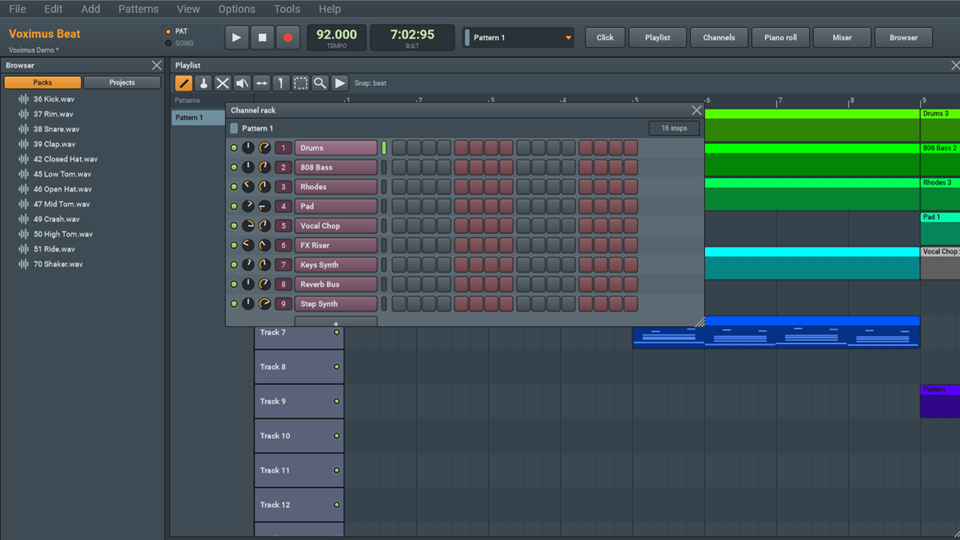
Voximus Beat
Make a beat in patterns, then paint the patterns into your song.
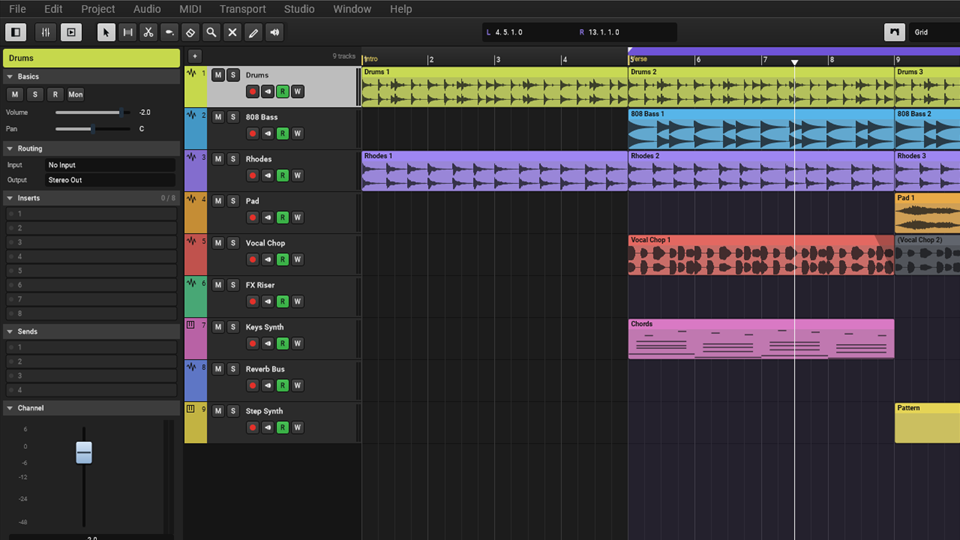
Voximus Compose
Write, record and mix in one project window, with the note and score editors below.